
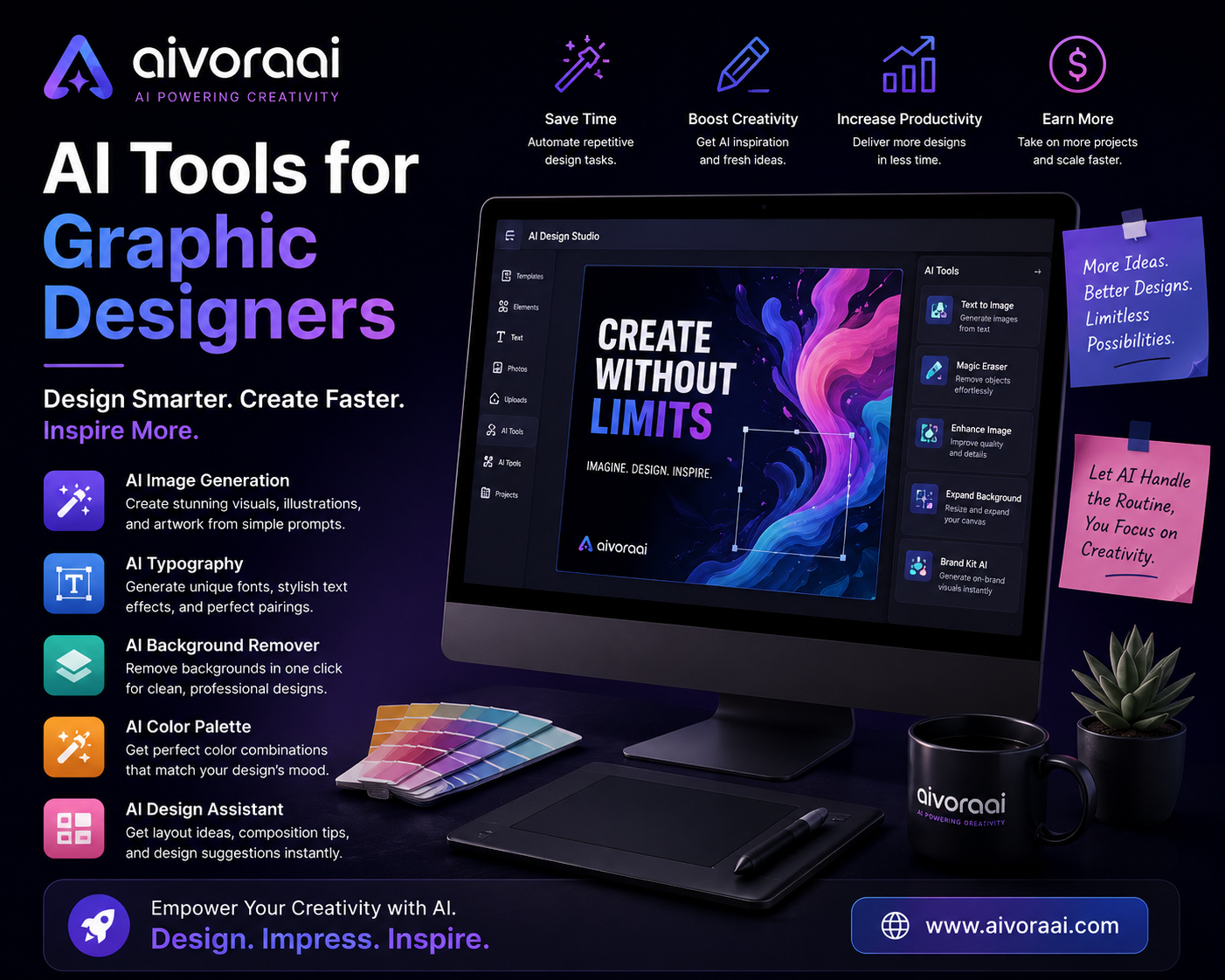
Quick Answer
The best AI tools for graphic designers in 2026 are Adobe Firefly (commercial-safe professional editing), Midjourney v6 (high-end concept art), Canva Magic Studio (rapid social media design), Leonardo AI (consistent assets), and Clipdrop (utility tasks). These tools don't replace designers; they eliminate tedious tasks and amplify creative output. View the complete AI design toolkit →
Graphic design in 2026 has been fundamentally transformed by artificial intelligence. What used to take hours—removing backgrounds, generating concept variations, upscaling low-res client logos, or creating complex masking—now takes minutes. The narrative that "AI will replace designers" has proven false; instead, AI has become the ultimate co-pilot, amplifying creativity and eliminating the tedious friction of production.
But with dozens of AI design tools flooding the market every month, it's incredibly challenging to identify which ones deliver professional, client-ready results and which are just clever parlor tricks. To cut through the hype, my team and I spent 30 days testing 10+ AI tools across real design projects. We measured output quality, ease of use, integration with existing workflows, commercial viability, and overall ROI.
In this comprehensive, 3,000+ word guide, you'll discover:
- 🏆 The top 5 AI design tools ranked by real-world performance
- 🔄 The exact AI-assisted workflow top freelancers use to 10x their output
- 💼 How to use AI for specific niches: logos, video, and YouTube
- ⚖️ The truth about AI copyright and commercial safety in 2026
- 🚀 How to land high-paying clients using AI-enhanced portfolios
Whether you are a seasoned art director looking to streamline production or a beginner wanting to break into the design world, this is the only guide you need.
🏆 Top 5 AI Tools for Graphic Designers (Tested & Ranked)
We evaluated each tool based on four criteria: Output Quality (does it look professional?), Workflow Integration (does it fit into Photoshop/Figma?), Commercial Safety (can I use this for client work?), and Price-to-Value Ratio.
Adobe Firefly is the undisputed king of professional AI design. Unlike other generators trained on scraped internet data, Firefly is trained on Adobe Stock's licensed library. This means it is commercially safe, and Adobe offers IP indemnification for enterprise users. Its integration directly into Photoshop and Illustrator via Generative Fill and Generative Expand makes it an indispensable part of the modern designer's toolkit.
- Commercially safe (trained on licensed stock)
- Generative Fill understands lighting and perspective
- Vector recoloring and text effects are revolutionary
- Seamless Creative Cloud ecosystem integration
- Requires Creative Cloud subscription for full power
- Generative credits reset monthly (can run out)
- Less "artistic" freedom compared to Midjourney
When you need breathtaking, photorealistic, or highly stylized concept art, Midjourney v6 is unmatched. It excels at understanding complex lighting, texture, and composition. While it lacks the direct editing capabilities of Firefly, it is the ultimate brainstorming and mood-boarding tool. We used it to generate hundreds of logo concepts and brand identity mood boards in a fraction of the time it used to take.
- Unmatched aesthetic quality and artistic style
- Excellent at photorealism and complex textures
- Active community and prompt sharing
- Constant, rapid updates and model improvements
- Requires Discord (steep UI learning curve)
- Difficult to edit specific elements post-generation
- Commercial rights vary by subscription tier
Canva's Magic Studio is the ultimate weapon for social media managers and designers who need to produce high volumes of assets quickly. Features like Magic Switch (instantly resizing designs for 10 different platforms), Magic Eraser, and AI image generation make it incredibly powerful. It won't replace Photoshop for complex compositing, but for 80% of daily design tasks, it's a lifesaver.
- Incredibly fast and intuitive interface
- Magic Switch saves hours of manual resizing
- Massive library of templates and stock assets
- Excellent for team collaboration
- Lacks deep, pixel-level creative control
- AI outputs can sometimes look "generic"
- Advanced AI features locked behind Pro paywall
Leonardo AI has carved out a massive niche for game developers, UI designers, and illustrators. Its standout feature is the ability to train custom micro-models on your own style or brand assets. If you need consistent character designs, isometric icons, or specific texture packs, Leonardo's fine-tuning capabilities are lightyears ahead of the competition.
- Custom model training for brand consistency
- Excellent transparent background generation
- Web-based UI is much easier than Discord
- Generous free daily token allowance
- Photorealism slightly behind Midjourney v6
- Rendering can be slow during peak hours
- Interface can be overwhelming for beginners
Clipdrop isn't a full image generator; it's a suite of magical utility tools. Need to relight a product photo? Remove a background instantly? Upscale a blurry client logo to 4K? Clean up audio for a video edit? Clipdrop does it flawlessly. It's the digital Swiss Army knife that every designer should keep bookmarked.
- Relight tool is absolute magic for product shots
- Fastest, most accurate background remover
- Seamless integration with other design apps
- Incredible upscaling without artifacts
- Not for generating images from scratch
- Free tier has strict resolution limits
- Requires internet connection for all tools
💡 The Ultimate Designer Stack: If you want to maximize your efficiency, our recommended stack is Midjourney (for raw concepts) + Adobe Firefly (for refinement and compositing) + Canva (for final delivery and social resizing). Total cost: ~$35/month. It will pay for itself in the first hour of saved time.
🔄 The AI-Assisted Design Workflow (Step-by-Step)
Having the tools is only half the battle; knowing how to string them together is where the real magic happens. Here is the exact workflow top freelancers are using in 2026 to deliver client work 5x faster.
🚀 The 4-Step AI Design Pipeline
Phase 1: Ideation & Concept Development
Gone are the days of staring at a blank canvas for hours. Start with Midjourney to generate multiple concept variations. Use prompts like: "Minimalist logo design for a sustainable coffee brand, modern, geometric, professional, white background, vector style." Generate 20-30 variations to explore different directions quickly. Present the top 3 to your client before you've even opened Illustrator.
Phase 2: Asset Generation & Consistency
Once the client approves a direction, you need to build out the assets. This is where maintaining consistency is key. If you are specifically looking to create brand identities and scalable logos, our guide on the best AI tools for logo design in 2026 is a must-read. We break down exactly how to use vector-based AI generators to ensure your logos remain crisp at any size.
Phase 3: Refinement in Professional Tools
AI gets you 80% of the way there; human expertise handles the final 20%. Take your generated concepts into Adobe Photoshop or Illustrator. Use Generative Fill to refine details, expand canvases for different aspect ratios, or remove unwanted elements. The AI understands context and maintains consistency with your lighting and perspective, saving you hours of manual masking and cloning.
Phase 4: Quick Production & Delivery
For social media graphics, marketing banners, or quick client deliverables, use Canva AI. Upload your refined designs, use Magic Resize to create platform-specific versions (Instagram Story, LinkedIn Banner, Facebook Post), and deliver in minutes instead of hours. For a broader overview of how these tools fit into your daily marketing workflow, check out our comprehensive breakdown of AI tools for graphic design.
💼 AI Design for Specific Niches & Monetization
Graphic design is a broad field. The way you use AI will differ vastly depending on your specific niche. Here is how top creators are leveraging AI across different verticals:
📊 Quick Comparison Table
| Tool | Best Use Case | Price | Commercial Safe? | Learning Curve |
|---|---|---|---|---|
| Adobe Firefly | Professional editing & compositing | Free / $4.99/mo | ✅ Yes (Indemnified) | Intermediate |
| Midjourney v6 | Concept art & high-end imagery | $10 - $30/mo | ⚠️ Paid tiers only | Intermediate |
| Canva Magic | Social media & quick layouts | Free / $14.99/mo | ✅ Yes | Beginner |
| Leonardo AI | Game assets & consistent styles | Free / $10/mo | ✅ Yes | Intermediate |
| Clipdrop | Utility (Relight, Upscale, Remove) | Free / $9/mo | ✅ Yes | Beginner |
⚖️ The Ethics & Copyright of AI Art in 2026
One of the biggest questions designers ask is: "Can I legally use this for a paying client?" The copyright landscape in 2026 is nuanced, but here are the golden rules:
- Raw AI Outputs: In most jurisdictions, you cannot copyright a raw, unaltered AI-generated image. It belongs to the public domain.
- Human Alteration: If you take an AI output into Photoshop, composite it, color grade it, and add typography, the final composition is copyrightable by you.
- Commercial Indemnification: This is why Adobe Firefly is the industry standard for enterprise work. If a client gets sued for copyright infringement using a Firefly-generated image, Adobe steps in to cover the legal costs. Midjourney and others do not offer this protection.
- Transparency: Always be transparent with your clients about your use of AI. Position it as a tool you use to enhance your workflow, not a replacement for your expertise.
⭐ Pro Tip: Never sell raw AI outputs as "custom illustrations" without disclosure. Your value as a designer in 2026 isn't just your ability to draw; it's your taste, your understanding of the client's brand, and your ability to curate and refine AI outputs into a cohesive visual strategy.
✅ Is Your Design Workflow AI-Ready?
Before you subscribe to a dozen AI tools, make sure your foundation is solid. Use this interactive checklist to audit your current workflow:
🚀 The AI-Ready Designer Checklist
Frequently Asked Questions
The best AI tools for graphic designers in 2026 include Adobe Firefly for commercial-safe professional editing, Midjourney v6 for high-end concept art and imagery, Canva Magic Studio for rapid social media design, Leonardo AI for consistent character and game assets, and Clipdrop for utility tasks like relighting and upscaling.
AI cannot replace graphic designers, but it significantly enhances their productivity. AI handles repetitive tasks like background removal, resizing, and basic layouts, allowing designers to focus on creative strategy, brand storytelling, and complex problem-solving. The best designers use AI as a powerful co-pilot, not a replacement.
The copyright landscape in 2026 is nuanced. Generally, raw AI outputs cannot be copyrighted by the prompter. However, tools like Adobe Firefly are trained on licensed stock photos and offer commercial indemnification, protecting enterprise users from copyright infringement lawsuits. Always check the specific commercial terms of your chosen tool and add significant human alteration to claim copyright on the final composition.
Basic design knowledge helps, but AI tools make professional design accessible to beginners. Tools like Canva AI use simple prompts and templates. However, understanding design principles like color theory, composition, and typography is what separates amateur AI outputs from professional, client-ready designs. AI amplifies your existing skills; it doesn't replace the need for them.
A professional AI design stack typically costs between $30 and $60 per month. For example, a combination of Midjourney ($10), Adobe Creative Cloud with Firefly ($20), and Canva Pro ($15) gives you access to the entire pipeline from concept to delivery. This is significantly cheaper than hiring additional staff or outsourcing tasks.
🏆 Final Verdict: Embrace the Co-Pilot
The era of generic, cookie-cutter design templates is officially over. AI-powered design tools represent a fundamental leap forward in creative optimization. By treating AI as your tireless assistant—handling the masking, the resizing, the brainstorming, and the upscaling—you free up your mental energy to do what humans do best: tell compelling visual stories and solve complex branding problems.
The technology is here, it is affordable, and it is proven. The designers who will thrive in 2026 and beyond are not those who resist AI, but those who master it. They are the ones who can deliver a week's worth of high-quality concepts in a single afternoon.
The only variable left is your willingness to adapt.
🎨 Supercharge Your Design Workflow Today
Get instant access to the curated AI tools, prompt libraries, and workflow guides that top designers use to create stunning work faster than ever.
🚀 Explore the AI Design Toolkit →🔒 Secure access • Instant setup • 60-day money-back guarantee
Continue Your Design & Tech Journey
💬 Questions About AI Design Tools?
Not sure which AI tool fits your specific design niche? Drop us a message — we'll help you build the perfect tech stack!
Written by Varun Lalwani
Varun is the founder of Aivora AI and a design tech strategist. He specializes in testing AI creative platforms and helping designers, freelancers, and agencies leverage technology to scale their output and increase their profitability. Read more about Varun