
Quick Answer
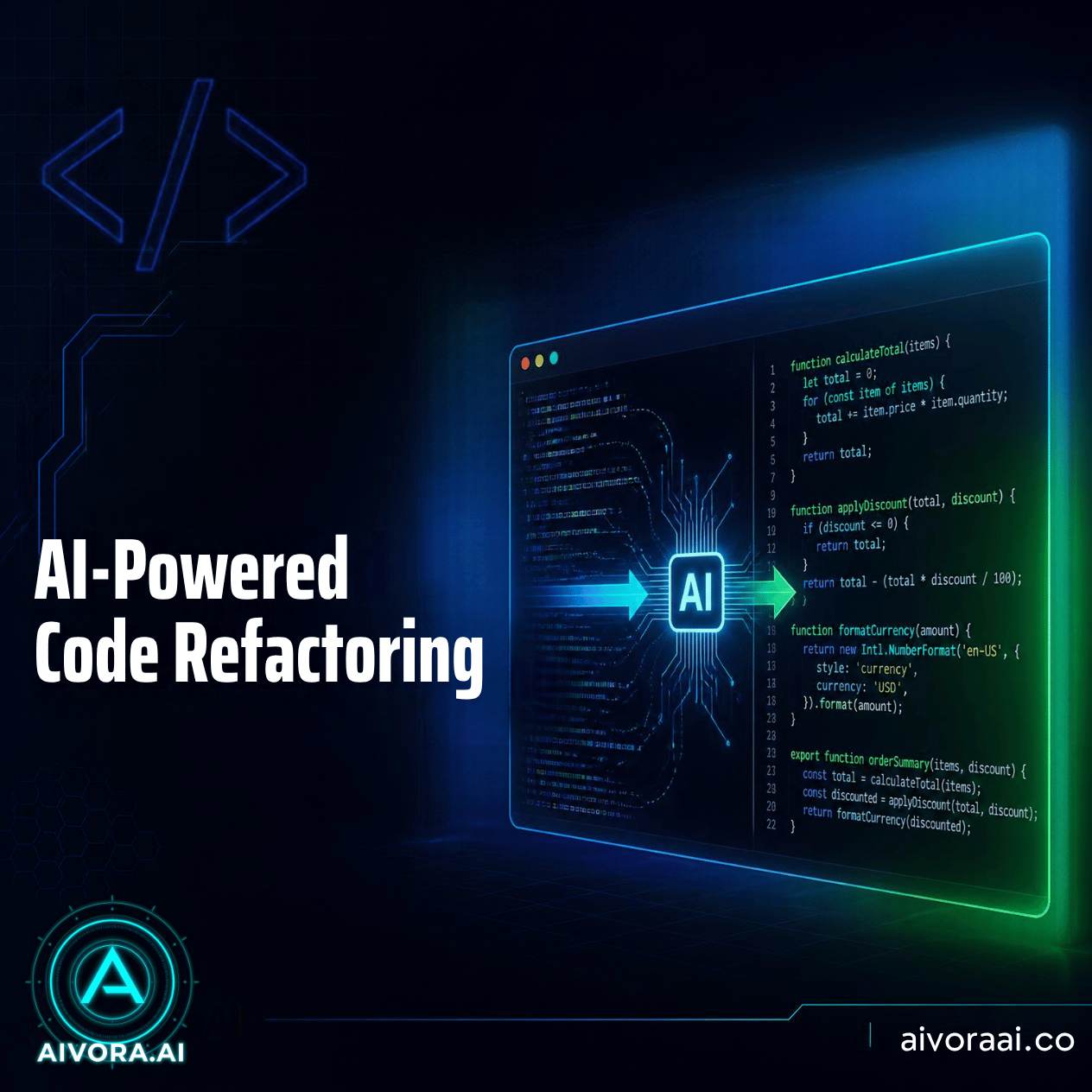
AI-powered code refactoring uses machine learning models to analyze existing source code and suggest or apply improvements. These tools can rename variables for clarity, break down large functions, optimize algorithms for speed, and even patch security vulnerabilities—all while ensuring the code’s original functionality remains intact.
Every developer knows the pain of "legacy code." It’s that old module no one wants to touch because it’s fragile, poorly documented, and written in a style that makes no sense today. For years, refactoring this code was a manual, risky, and time-consuming process.
In 2026, AI has changed the game. AI-powered code refactoring tools can now read your entire codebase, understand its intent, and propose clean, modern alternatives. They don’t just fix syntax; they improve architecture.
This guide explores the best AI refactoring tools, how they work, and how you can use them to pay down technical debt without slowing down your feature development. We’ll also look at how these tools integrate with broader AI workflows like AI content generation for documentation.
What Is AI-Powered Code Refactoring?
Refactoring is the process of restructuring existing computer code without changing its external behavior. The goal is to improve non-functional attributes like readability, maintainability, and performance.
AI takes this to a new level by:
- Understanding Context: Unlike simple linters, AI understands how different parts of your app interact.
- Predicting Impact: It can predict if a change in one file will break something in another.
- Generating Tests: Many AI refactoring tools automatically write unit tests to verify that the new code works exactly like the old code.
1. Analysis
AI scans codebase for smells
2. Suggestion
Proposes cleaner structure
3. Verification
Runs automated tests
4. Application
Merges clean code
The automated refactoring lifecycle
Why Use AI for Refactoring?
Manual refactoring is often deprioritized because it doesn't add visible features. AI changes the economics of maintenance:
10x Faster Cleanup
AI can process thousands of lines of code in seconds, identifying patterns that would take a human days to spot.
Reduced Bug Risk
By automatically generating and running tests for every change, AI ensures that refactoring doesn't introduce new bugs.
Onboarding Aid
Clean, well-structured code is easier for new developers to understand, reducing the time it takes to get them up to speed.
Vulnerability Patching
AI can identify outdated libraries or insecure coding practices and suggest modern, secure alternatives.
Top AI Refactoring Tools in 2026
The market has matured significantly. Here are the leaders:
| Tool | Best For | Key Feature |
|---|---|---|
| GitHub Copilot Workspace | Full-stack projects | End-to-end task planning |
| Cursor | IDE-integrated refactoring | Codebase-wide context awareness |
| SonarQube AI | Enterprise quality gates | Deep security & bug detection |
| Amazon Q Developer | AWS environments | Cloud-specific optimization |
Integrating Refactoring into Your Workflow
AI refactoring shouldn't be a one-time event; it should be part of your daily workflow. Here’s how to integrate it:
1. The "Boy Scout" Rule
Leave the code cleaner than you found it. Use AI to quickly clean up any module you touch during feature development. This prevents debt from accumulating.
2. Automated PR Reviews
Configure your CI/CD pipeline to run AI refactoring checks on every Pull Request. If the AI detects complex or messy code, it can suggest improvements before a human even reviews it. This is similar to how AI translation tools automate localization checks.
3. Legacy Migration Projects
If you’re moving from an old framework (like AngularJS) to a new one (like React), AI can help translate the logic, not just the syntax. This is crucial for maintaining business logic integrity during major upgrades.
⭐ Pro Tip: Always start with small, isolated modules when using AI refactoring. Build trust in the tool’s accuracy before letting it loose on your core payment processing engine.
Challenges and Best Practices
While powerful, AI isn't magic. Here are some pitfalls to avoid:
- Over-Optimization: AI might make code so abstract that it becomes hard for humans to read. Always prioritize human readability.
- Context Loss: Sometimes AI misses the "why" behind a weird piece of code. Always review suggestions with historical context in mind.
- Testing Gaps: If your project lacks tests, AI refactoring is risky. Invest in writing tests first, or use tools that generate them for you.
The Future: Self-Healing Code?
We’re moving toward a future where codebases can "self-heal." Imagine an app that detects a performance bottleneck in production, analyzes the code, proposes a fix, tests it in a sandbox, and deploys it—all without human intervention.
While we aren't fully there yet, AI-powered refactoring is the first major step toward autonomous software maintenance. By adopting these tools now, you’re future-proofing your development team.
🚀 Ready to Clean Up Your Code?
Don’t let technical debt slow you down. Explore our curated list of AI tools that can help you refactor, optimize, and secure your codebase.
🔍 Explore AI Coding Tools →✓ IDE Integrations · ✓ Security Scanners · ✓ Test Generators
Frequently Asked Questions
AI-powered code refactoring is the use of artificial intelligence to analyze, restructure, and optimize existing computer code without changing its external behavior. It helps improve readability, reduce complexity, and fix security vulnerabilities automatically.
Yes, when used with proper testing. Modern AI refactoring tools integrate with CI/CD pipelines and run automated tests after every change to ensure that the functionality remains intact. However, human review is still recommended for critical systems.
Related Guides
Need Help With AI Coding?
If you’re unsure which refactoring tool fits your tech stack, ask us. We test them all so you don’t have to.
Written by Varun Lalwani
Varun is the founder of Aivora AI and an AI tools reviewer with 6+ years of experience. He tracks new AI tool launches and tests them against real workflows before recommending them. Read more about Varun